chit at work
A construction meeting minutes app for OAC meetings
Who carries it: Owner's rep / PM
OAC minutes are part of the project record, and they usually get written days later from memory. A construction meeting minutes app captures OAC meetings, RFI discussions, and site visits as they happen — by evening the minutes are drafted and the RFI and submittal chases are queued, with owners and due dates attached.
OAC minutes, drafted before you reach the parking lot.
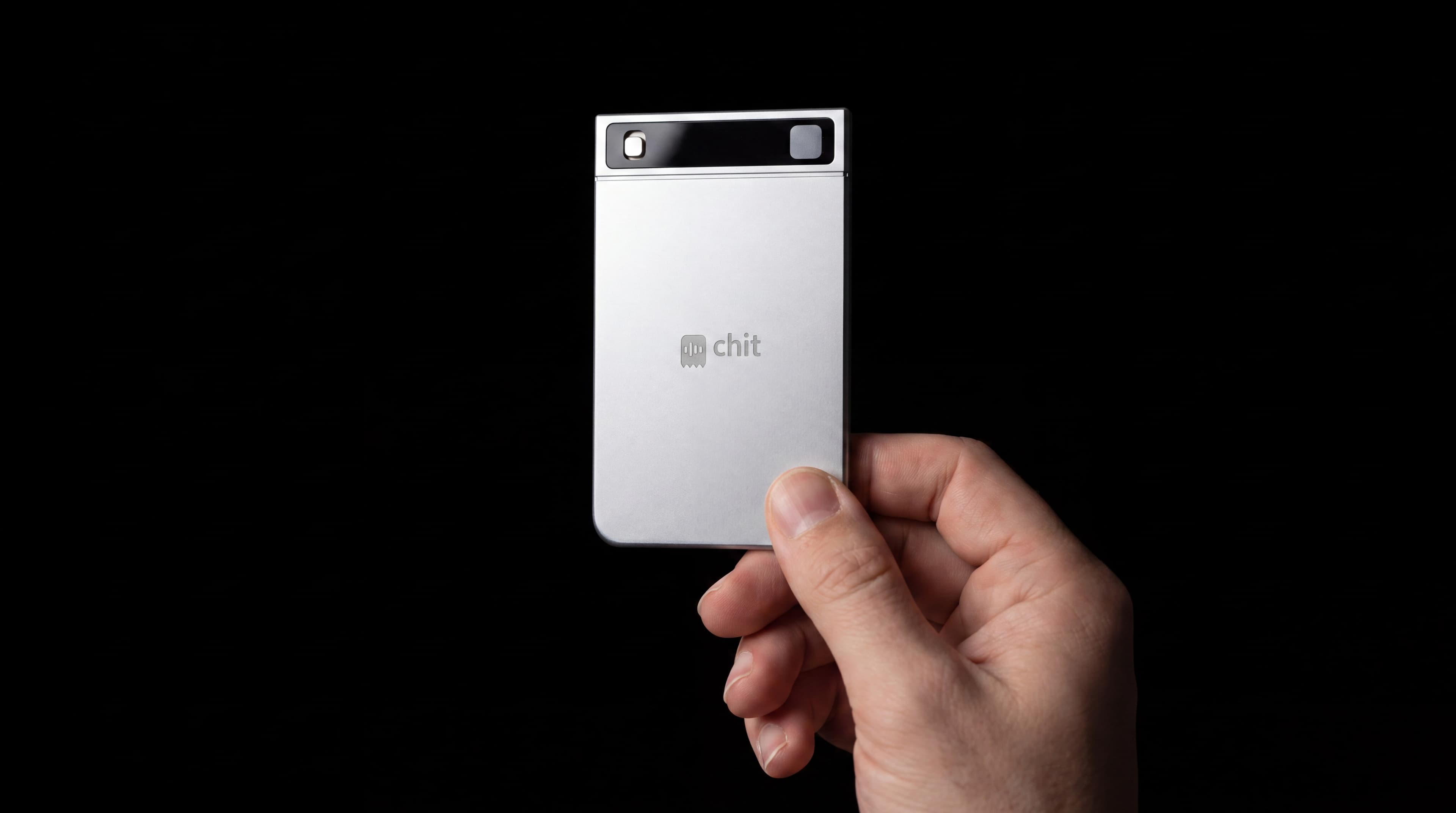
When an owner's rep presses it
- OAC meetings
- RFI discussions
- site visits
“Owner's rep on 3 projects; capture decisions, owners, and due dates from OAC meetings.”
A context like this — typed once into the app — is how chit stops being a generic recorder and starts being yours.
Meeting minutes drafted; RFI and submittal chases queued.
Decisions and owners captured from every OAC meeting, searchable across the portfolio.
Project-record integrity and claims defense; VPC.
OAC minutes, drafted from the meeting itself
Owner-architect-contractor meetings produce decisions, owners and dates, and then somebody spends an evening turning a legal pad into minutes that circulate two days later. Hold the card through the meeting and the minutes draft from what was actually said, with the owners and the due dates pulled out. The RFI conversation is the one that matters most: an answer given verbally on a site visit is binding in practice and untraceable in fact, and it is the single most common cause of an action item nobody closes. Across a portfolio, search answers the question a claim eventually asks — when was this decided, and by whom, in a meeting eleven months ago.
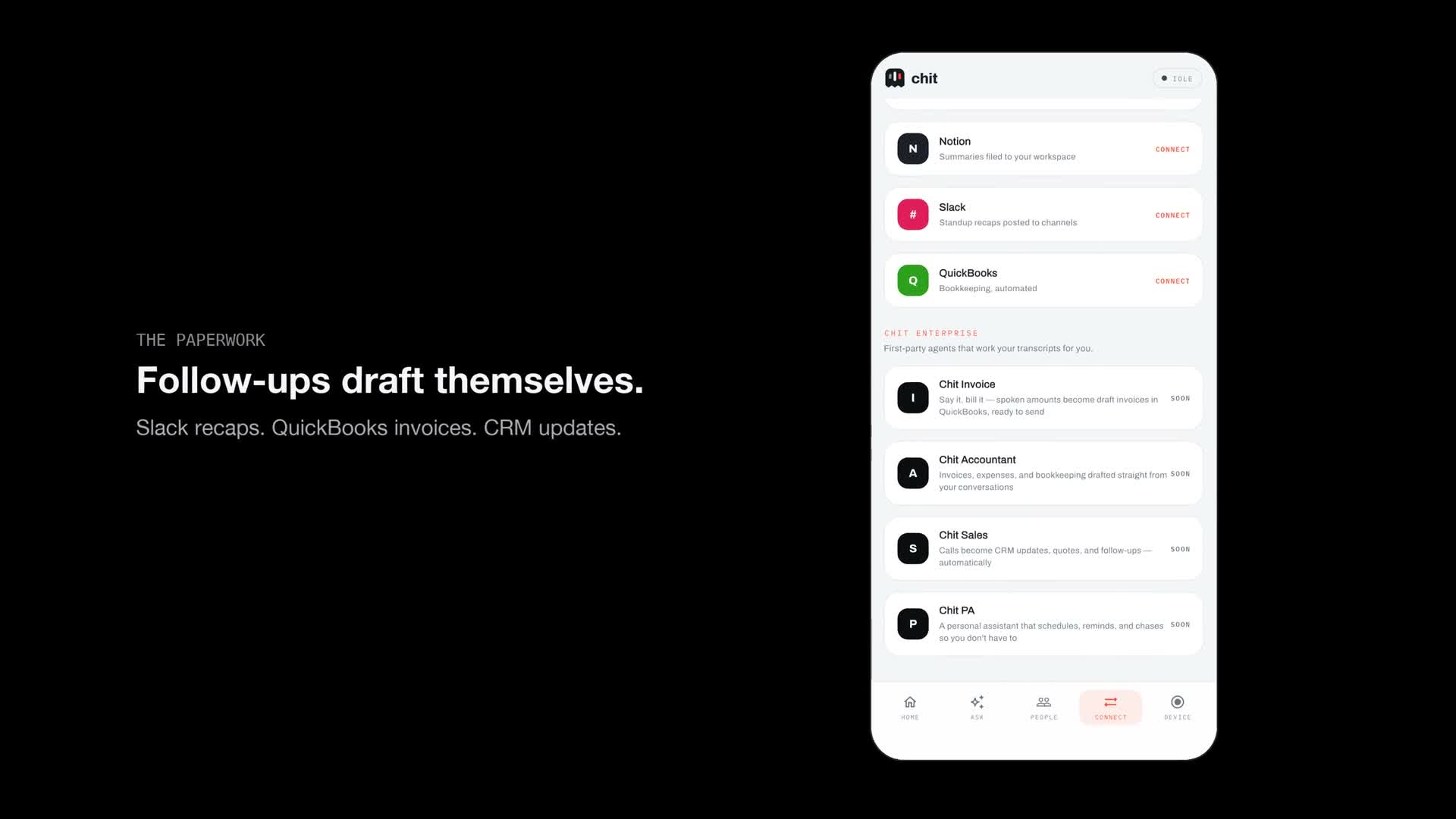
See the app work
Good questions
Can it draft OAC meeting minutes for me?
Yes. Hold the button through the meeting; that evening the $9/month membership returns a digest of decisions, actions, and promises with owners and due dates — the minutes drafted, ready for your review before they're issued.
How do I track who committed to answering an RFI?
Every commitment made out loud is captured and queued as a follow-up. Ask-anything search answers "who owns the RFI on the curtain wall" with the moment it was said and its timestamp.
Does it work on an active jobsite with no signal?
Yes. chit records offline and syncs later, and the battery runs about a month of typical use — a site walk in a poured-concrete core still gets captured.
I'm an owner's rep on three projects — can one device cover all of them?
Yes. Everything you capture is searchable in one place, so you can ask by project, meeting, or person and get the answer with its timestamp.
What about the project record if a dispute comes up?
A time-stamped record of who agreed to what is a cleaner project record than reconstructed minutes. Firm and portfolio deployments keep audio and transcripts resident in your own VPC — see hichit.com/enterprise, and ask us about compliance deployments.
How is this different from Procore or Autodesk meeting minutes?
Those are forms someone still has to fill in after the meeting. chit is the capture layer in front of them: hold the card through the OAC meeting, and the decisions, owners and due dates come back drafted, ready to paste into whichever system holds the record.
Recording laws differ by state, and several require every party's consent. chit only captures while the button is held — know your state's rule before recording another person.
Nearby trades
chit for architecture and engineering
CA documentation is your E&O policy's best friend.
Code inspectorchit for municipal inspection
Public records start as field conversations.
Case workerchit for social services
Same-day case notes without the 7pm typing.
Plannerchit for event planning
The bride said 'no peonies' exactly once. chit heard it.