chit in the field
A voice notes app for landscapers
Who carries it: Account manager / crew chief
Renewal season is won on the walkthroughs you documented in March. chit puts a voice notes app for landscapers behind one held button: walk the property and speak the client's requests, the irrigation issue on zone four, the enhancement worth quoting. That evening the requests are routed, the upsell list is built, and the crew notes are filed.
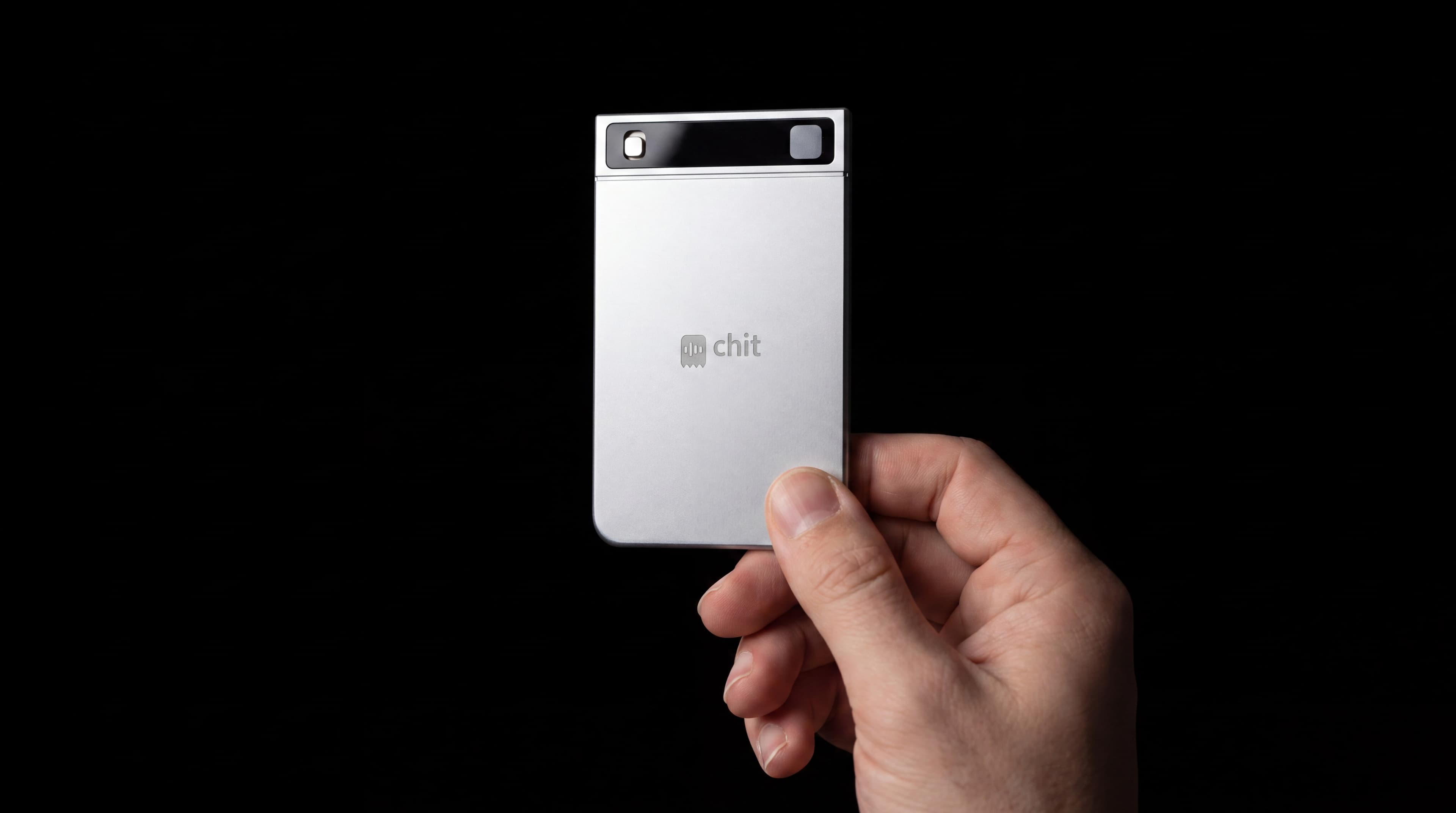
When an account manager presses it
- Property walkthroughs
- enhancement upsells
- irrigation issues
- client requests
“Commercial landscape account manager; track client asks and enhancement opportunities.”
A context like this — typed once into the app — is how chit stops being a generic recorder and starts being yours.
Client requests routed, upsell list built, crew notes filed.
Every account walkthrough captured, so client asks are searchable before the renewal call.
Client site data stays in the company VPC.
The upsell was mentioned in March and quoted in July
Commercial landscape accounts are lost quietly. A property manager mentions the irrigation zone by the entrance during a March walkthrough, nobody writes it down, and it surfaces in the renewal conversation in October as evidence you were not listening. Walk the property and talk: the client's asks, the enhancement you spotted, the crew note about the bed near the loading dock. By evening the requests are routed and the enhancement opportunities are a list instead of a feeling. Ahead of a renewal, ask-anything search will tell you every single thing this account raised in a year, which is a materially different conversation to walk into. It also fixes the crew-chief handoff, which is where enhancement work usually dies: the note about the dead zone in bed four was made at the bed, not remembered at the truck two hours later.
See the app work
Good questions
Can I take notes while walking a property with a client?
Yes — hold the button and talk. No phone out, no clipboard, no typing in front of the client; the walkthrough becomes the record.
How does it track requests across dozens of properties?
Everything captured is searchable — ask what a client requested in March and it comes back. The daily digest also lists every decision, action and promise from the day's walkthroughs.
Will my crew chiefs actually use it?
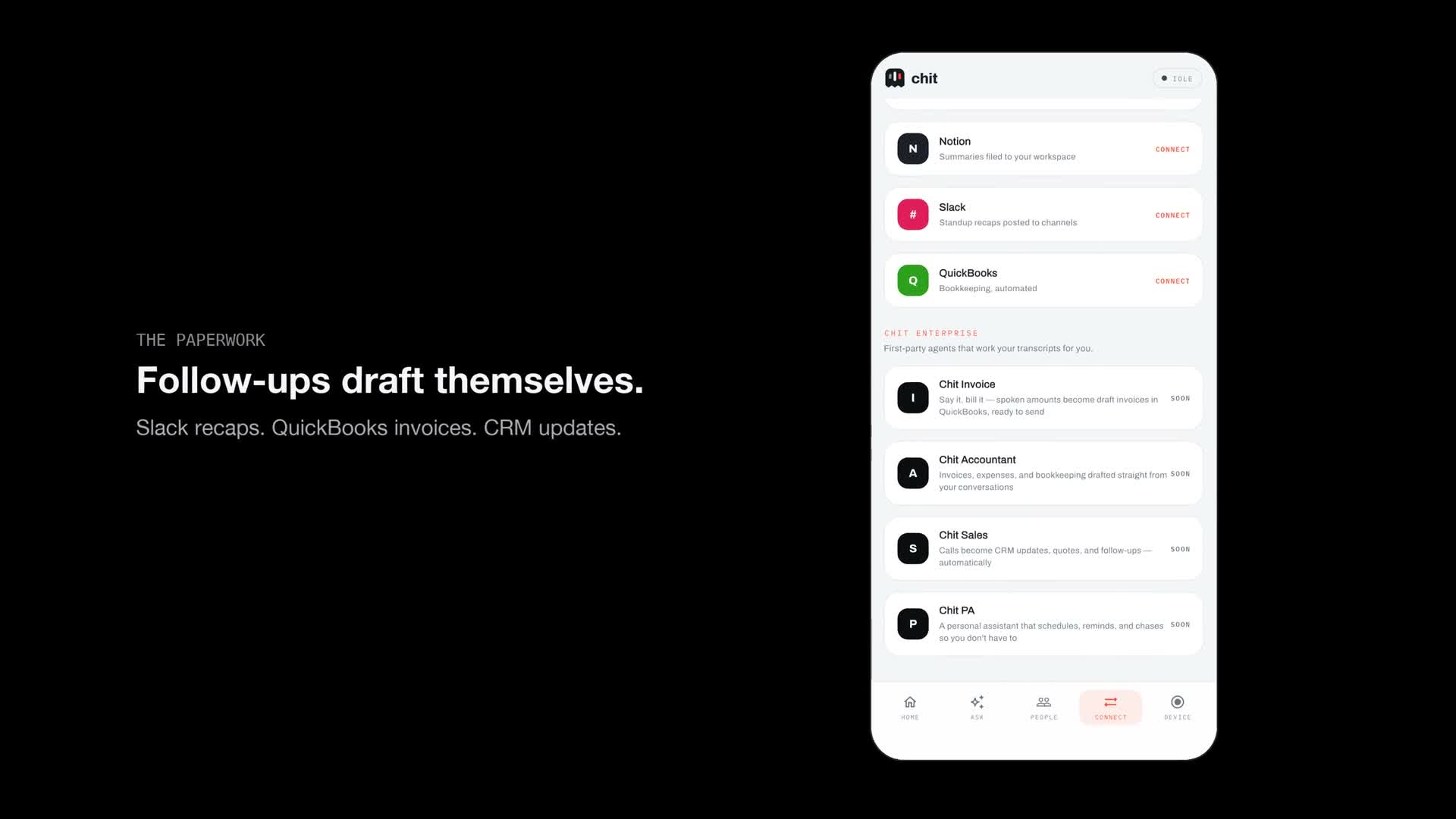
It is one button that records only while held, works offline and syncs later, and the battery runs about a month — nothing to charge nightly or fiddle with. The next steps come back in that evening's brief, and with calendar and mail connected they become events and drafted replies.
Can it help me catch upsells?
Say the enhancement when you see it — the dead turf panel, the beds that need refreshing — and it lands on the upsell list as a next step instead of staying in your head past renewal season.
Where does client site data live?
On team deployments, client site data stays in your company's own VPC on branded devices. See hichit.com/enterprise.
Recording laws differ by state, and several require every party's consent. chit only captures while the button is held — know your state's rule before recording another person.
Nearby trades
chit for pest control
Cancellations start as a complaint your tech heard and forgot.
Service advisor / master techchit for auto repair
Declined work is next quarter's pipeline - if anyone wrote it down.
Salesperson / BDCchit for used car sales
Your CRM knows the lead exists. It does not know what they said in the car.
Operatorchit for towing and recovery
Every damage claim starts after the car leaves your hook.