chit in the field
An apartment maintenance work order app you talk to
Who carries it: Multifamily maintenance tech
Across 300 units, the day is work-order walkthroughs, make-ready punch lists, and resident conversations nobody writes down. Voice to text work orders mean you say the unit number, the issue, and the part while you're standing in the unit — and chit hands back closed orders, parts needed, and resident follow-ups that evening. Turnover season runs on punch lists nobody typed; this way they exist.
Turnover season runs on punch lists nobody typed.
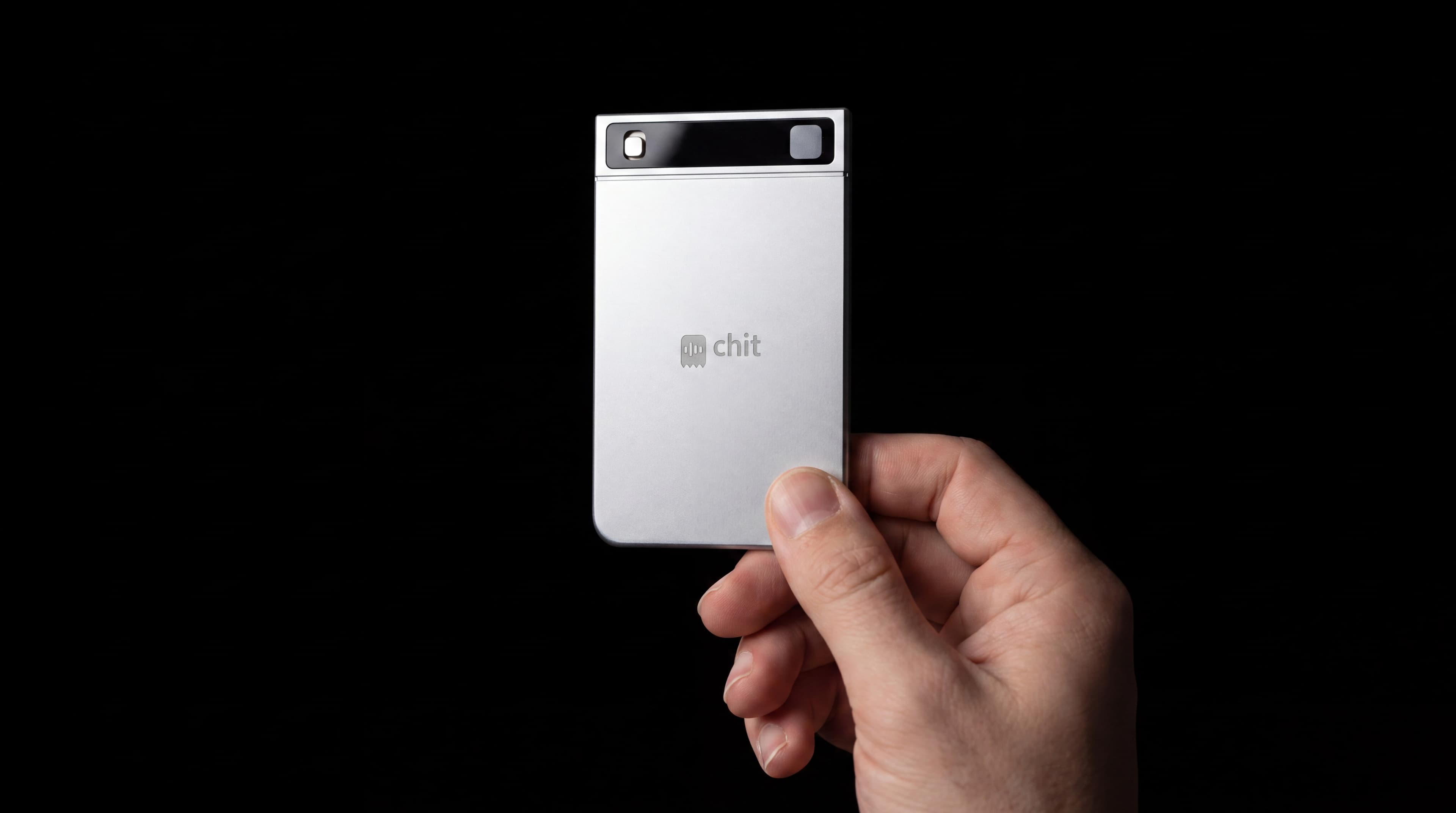
When a multifamily maintenance tech presses it
- Work-order walkthroughs
- resident interactions
- make-ready punch lists
“Multifamily maintenance tech across 300 units; log unit numbers, issues, and parts.”
A context like this — typed once into the app — is how chit stops being a generic recorder and starts being yours.
Work orders closed, parts needed, resident follow-ups.
Work-order notes and resident conversations captured per unit, searchable across the portfolio.
Resident-interaction records reduce disputes; PM firm VPC.
Three hundred units and one memory
Multifamily maintenance is a volume problem disguised as a repair problem. Twenty work orders a day across three hundred units, each with a unit number, a fault, a part, and often a resident conversation that matters more than the ticket. Narrate at the door: unit, issue, part needed, what the resident said. The evening digest gives you the work orders to close, the parts to order and the residents to follow up with. And when a resident interaction turns into a complaint to the property manager, what was actually said in that doorway is retrievable instead of contested. Make-ready season is where this compounds: a punch walk narrated unit by unit is a list by the evening, instead of a clipboard that has to be typed up before turnover.
Property walkthrough notes template for maintenance follow-up
Copy a property walkthrough notes template with locations, observations, photo references, and follow-ups. Includes a filled example and a review checklist.
See the app work
Good questions
Can I dictate a work order while I'm still in the unit?
Yes — hold the button and say the unit number, the issue, and the parts you need. By evening the day's work orders are drafted, with parts and follow-ups queued.
What happens when a resident disputes what was said?
The interaction is on the record. A transcript of what the resident reported and what you told them is what reduces disputes.
Does it work in basements and mechanical rooms with no signal?
Yes. chit records offline and syncs when you're back in coverage, and the battery runs about a month of typical use.
How do the parts I mention get tracked?
Anything you flag — a fill valve, a compressor, a make-ready item — appears in that evening's digest as a next step, so parts get ordered instead of remembered.
Can our management company keep data in its own cloud?
Yes. For PM firms, chit deploys as a branded device fleet with data resident in your own VPC. See hichit.com/enterprise.
Does it push work orders into AppFolio, Yardi or Limble?
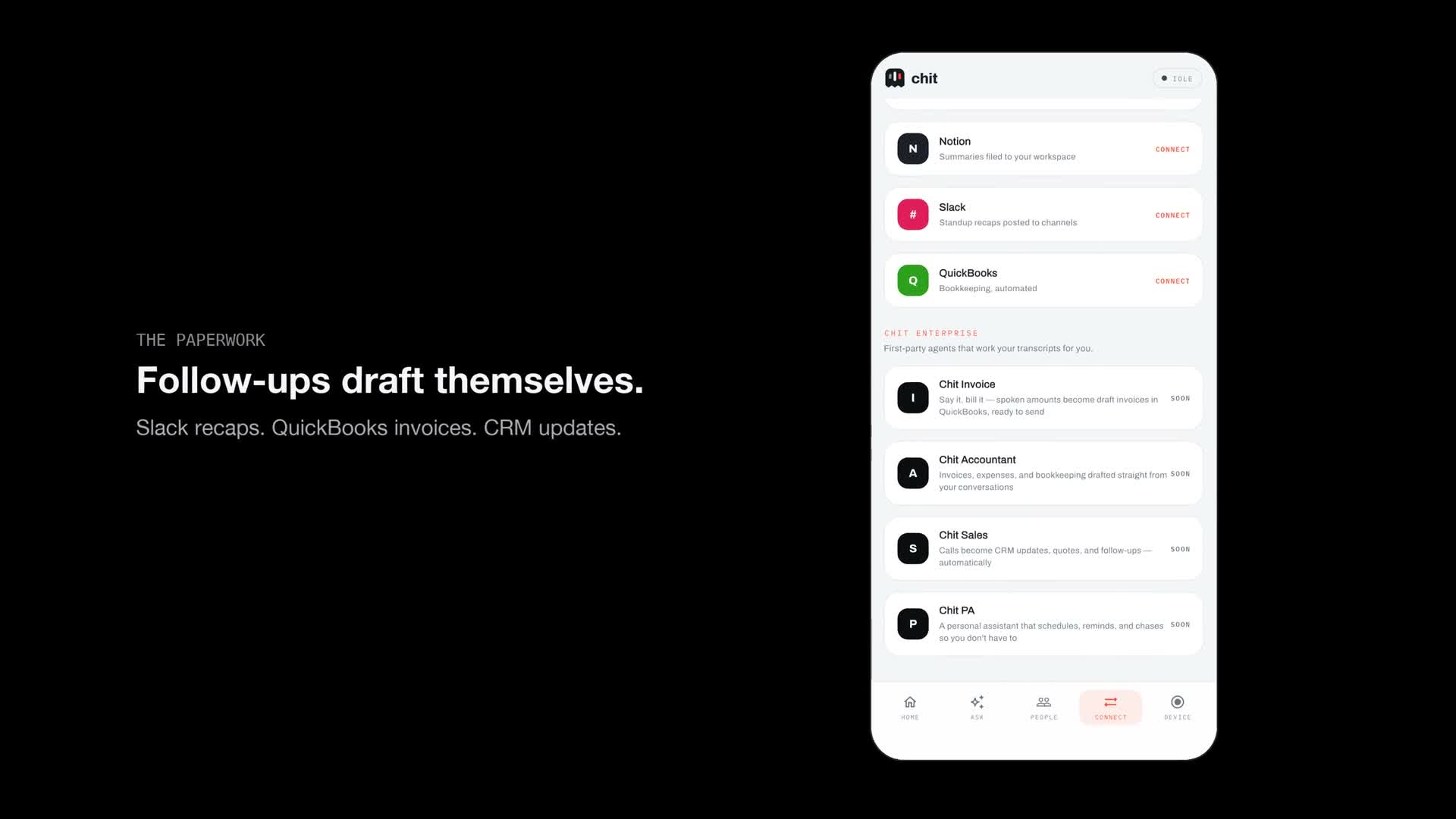
Not directly. chit hands you the drafted work-order note — unit, issue, parts — and you paste it into whatever system your company runs. First-party agents that write into other tools are coming; the capture is what ships today.
Recording laws differ by state, and several require every party's consent. chit only captures while the button is held — know your state's rule before recording another person.
Nearby trades
chit for commercial cleaning
Contracts churn on the punch items your supervisor heard and lost.
Crew lead / estimatorchit for moving and storage
Claims season is decided during the walkthrough, not the move.
Field techchit for appliance repair
Every second truck roll started with a part number nobody caught.
Techchit for locksmiths and security installers
In security, 'the customer told me to' needs a timestamp.